Languages in Templates
When working with templates, you can define which languages are available. These selected languages determine the options shown when setting up translations or creating notification templates.
Adding Languages
To add a new language:
- Open the Languages section in your settings.
- Click the Language dropdown.
- Select the language you want to add from the list.
- Example: Swedish (svenska), Norwegian (norsk), Finnish (suomi).
- Once added, the language will appear in the list with its status (Active or Disabled).
Language List
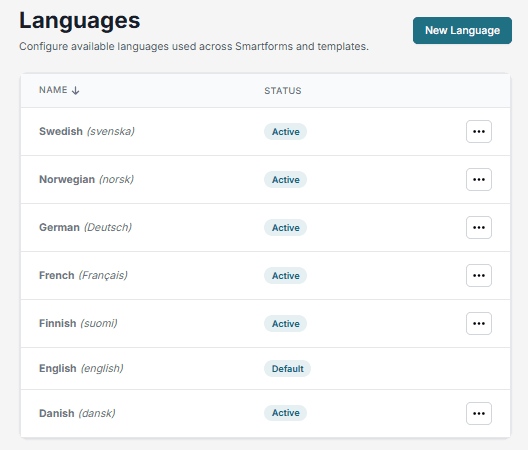
All selected languages are displayed in a table with two columns:
- Name: The name of the language, shown in both English and the local language.
- Status: Indicates whether the language is currently Active or Disabled.
Example
If you add Norwegian and Spanish to your template:
- Both languages will be available when you configure translations.
- They will also be selectable when creating notification templates.