Security
The Security settings let you control who can access and use a Smartform.
Access is managed using Security Groups, which are created and maintained in the Doc Gen Admin application.
How it works
- Create Security Groups in the Admin application
- Add users to the relevant groups
- Assign those groups to a Smartform
Only users in the assigned groups will be able to access or create the Smartform.
Manage Security Groups
Security Groups are managed in the Doc Gen Admin / Team application.
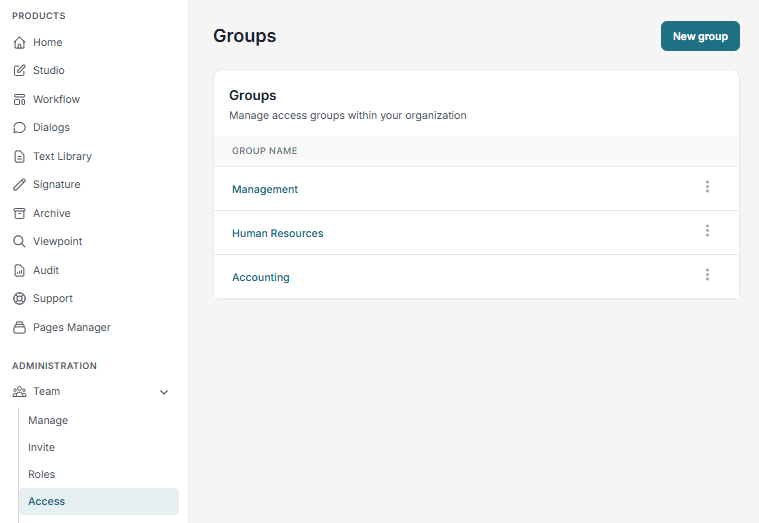
From here, you can:
- Create new groups
- Add or remove users
- Manage group membership using the three-dot menu (⋯)
Assign Security to a Smartform
Each Smartform can be configured to allow access only for selected groups.
This ensures that:
- Only authorized users can create or send Smartforms
- Access is controlled and secure
Best practices
- Use groups based on roles (e.g., HR, Sales, Admin)
- Keep group names clear and consistent
- Regularly review group membership