Editor
Introduction
Welcome to the guide for the Editor, your premier solution for document creation and editing. The Editor integrates seamlessly with API technology to produce secure, template-based documents tailored to your specific needs. This manual delves into the extensive features of the Editor, guiding you through its functionalities and capabilities. Please note, detailed information on the REST API is available in a separate document.
Core Concepts
-
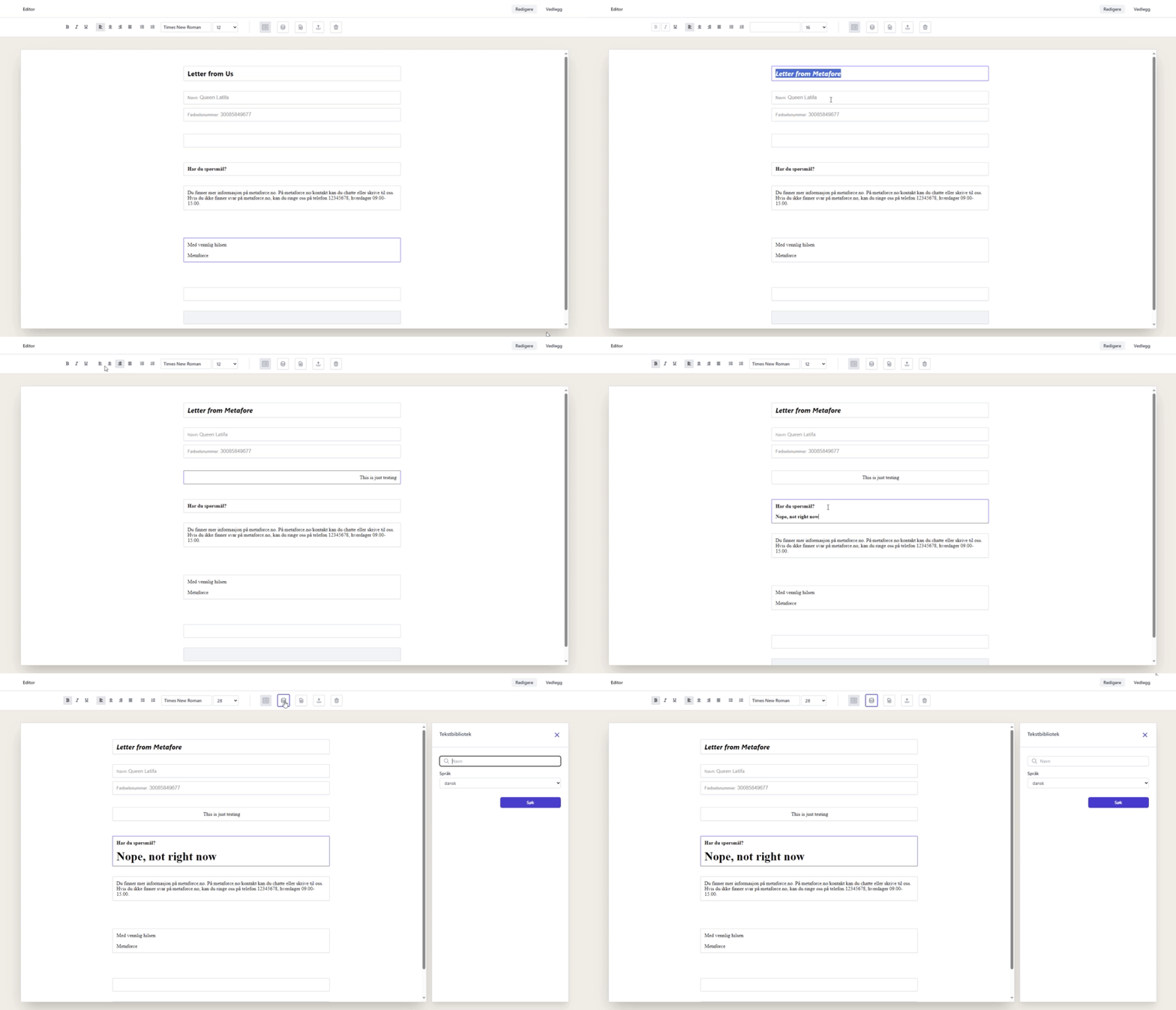
Document Creation: Initiated through API calls, each document is a fusion of a template and custom input data, ensuring a personalized editing experience.
-
Templates: Our versatile templates feature optional text blocks, effortlessly added from the Editor’s intuitive right-hand menu.
-
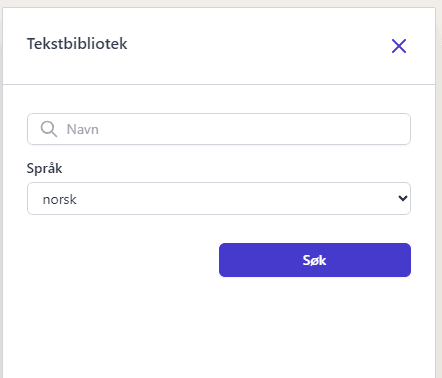
Doc Gen Text Library: A robust collection of pre-defined text segments designed to streamline your document editing process.
Editor Text Editing Functions
The Editor’s rich text editing suite empowers you with complete control over your document’s aesthetics and structure:

-
Text Formatting: Embolden, italicize, or underline key sections of text to emphasize important information.
-
Alignment Options: Tailor your document’s layout with text alignment tools, ensuring your content is both visually appealing and easy to read.
-
List Creation: Organize your ideas clearly with bullet points or numbered lists, enhancing readability and structure.
-
Font Selection and Sizing: Customize your document’s look and feel with a selection of fonts and size options, adapting to the tone and style of your content.
Advanced Functions
Beyond basic editing, the Editor offers advanced functionalities to enhance your document creation experience:

-
Template Interaction: Access and incorporate specific text options and elements associated with your chosen template directly into your document.
-
Utilize the Text Library: Enrich your documents with pre-approved content from the Text Library, ensuring consistency and accuracy across documents.
-
Preview and Publish: Preview your document in PDF format for a final review before publishing. Once published, the document becomes read-only and is automatically forwarded through a predetermined workflow.
-
Discard Changes: Safely discard any unsaved changes if you decide to start over or cancel your work, ensuring you have full control over the document creation process.
-
Effortless Copy & Paste: Integrate content from external documents with ease, supporting a fluid and efficient editing experience.
Attachments and Supplements
Elevate your documents with supplementary PDF files, adding depth and resources to your content:

-
Attach Files: Seamlessly attach one or more PDF files to your document, providing additional information or supporting materials.
-
Custom Attachment Ordering: Arrange your attachments in a specific sequence, ensuring they follow your document in a logical and intended order.
-
Independent Page Numbering: Maintain clarity as attachments do not inherit the document’s page numbering, allowing for distinct separation between primary content and supplementary materials.
Activity Logging and Audit Trail
The Editor comprehensively logs all activities, integrating with the Doc Gen audit log to offer:
-
Transparent Editing History: Every action taken within the Editor is logged, providing a clear history of edits, adjustments, and updates.
-
Accountability and Compliance: The detailed audit trail supports compliance with internal and external regulations, ensuring every document’s integrity and security.