Settings
The Settings section allows you to configure global settings for your Doxis Doc Gen environment.
These settings affect how communication, branding, and data handling work across the platform.
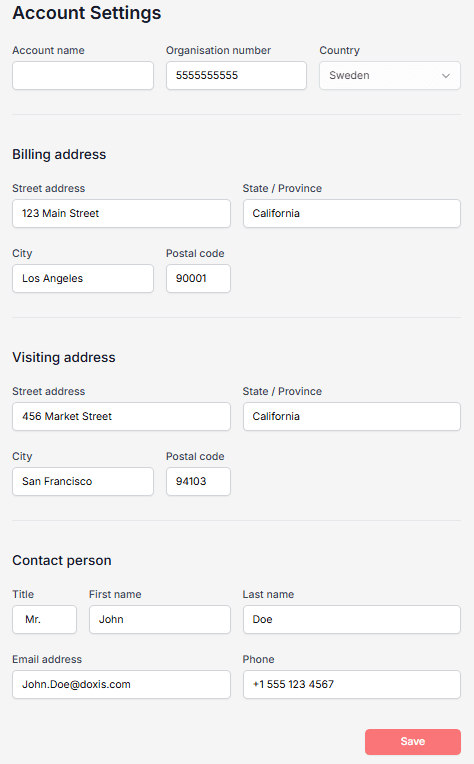
Account
In Account, you define your organization’s basic information, such as:
- Name
- Address
- Contact details
This information is used in documents, notifications, and Dialogs.
Notification
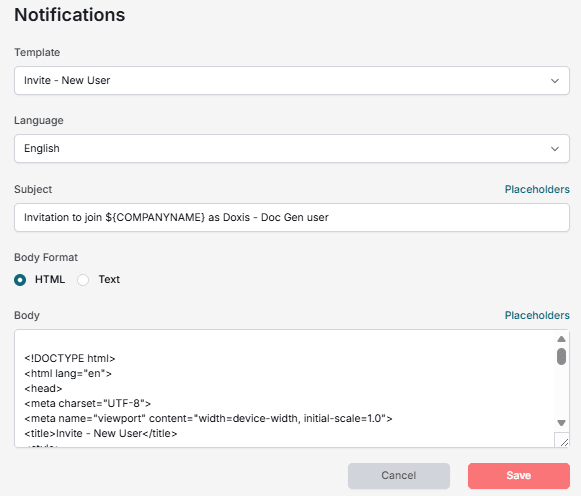
In Notification, you can define default messages for SMS and email notifications.
Notifications are used to inform users (internal or external) that a Dialog is waiting for them.
Examples include:
- Order forms
- Acceptance of terms and conditions
- Other requests for input
Notifications support multiple languages and are automatically selected based on metadata.
Placeholders
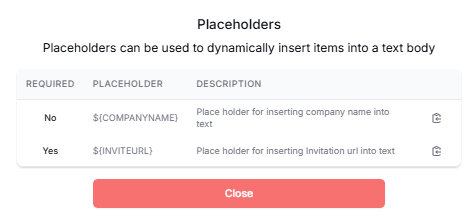
You can personalize notifications using predefined placeholders, such as:
- Sender name
- Company name
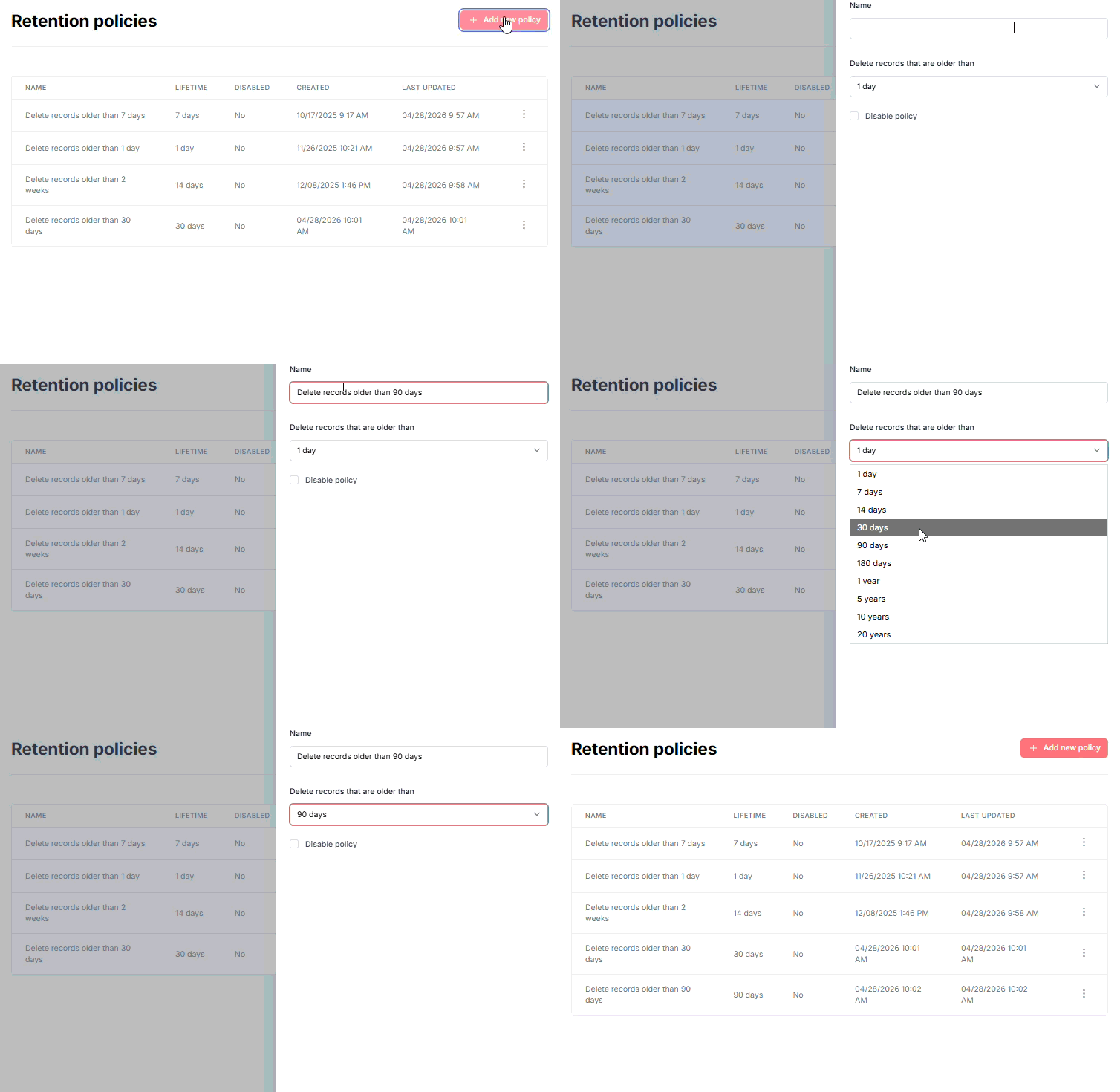
Retention policies
Retention policies define how long data is stored and when it should be deleted.
A retention policy includes:
- How long records are kept
- Where they are stored
- When they are deleted
Retention policies must be activated by other parts of the system to take effect.
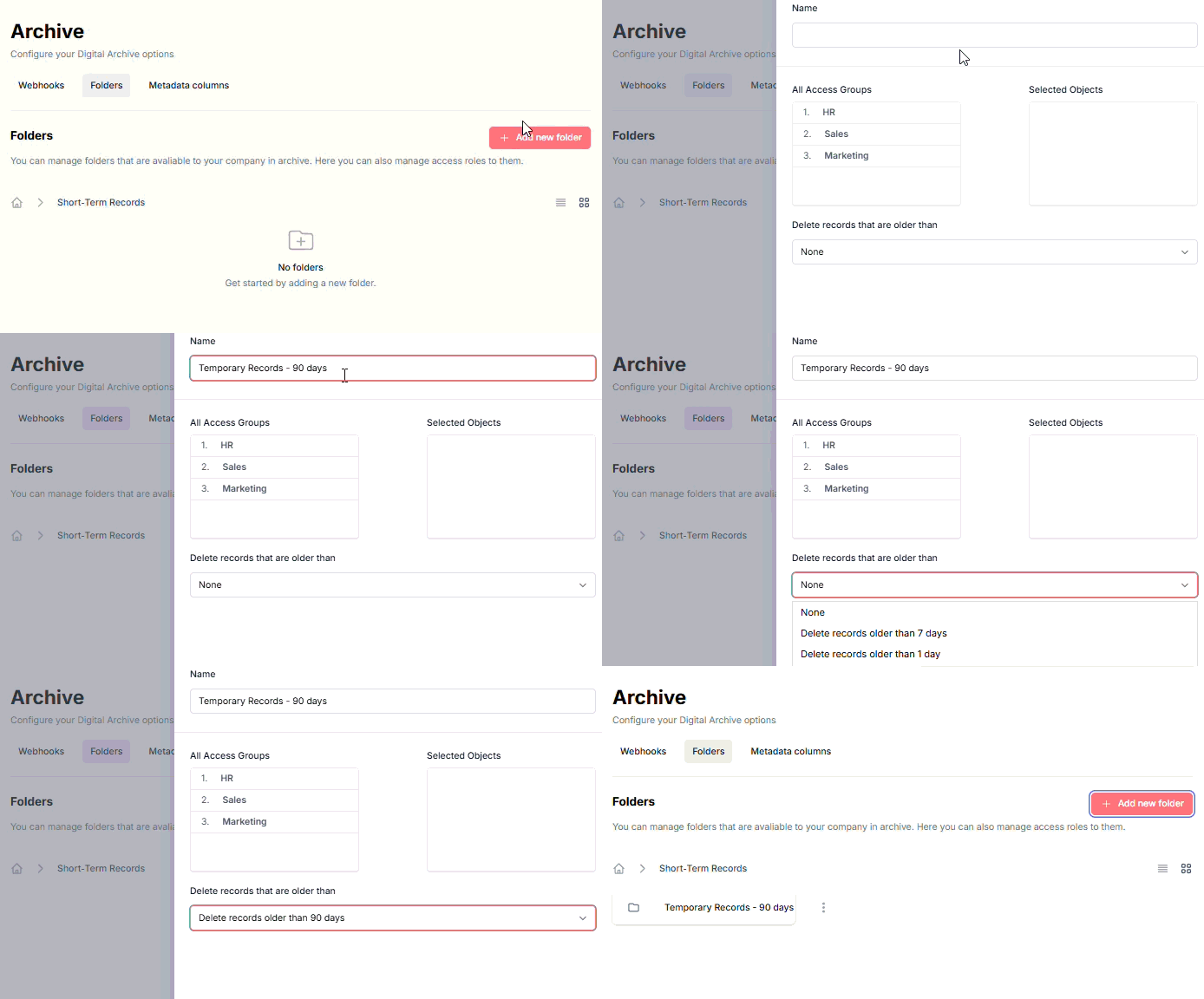
Example: Folder-based retention
This example shows how different folders can have different retention policies:
Example: Archive retention
This example shows retention policies used with the built-in Archive: